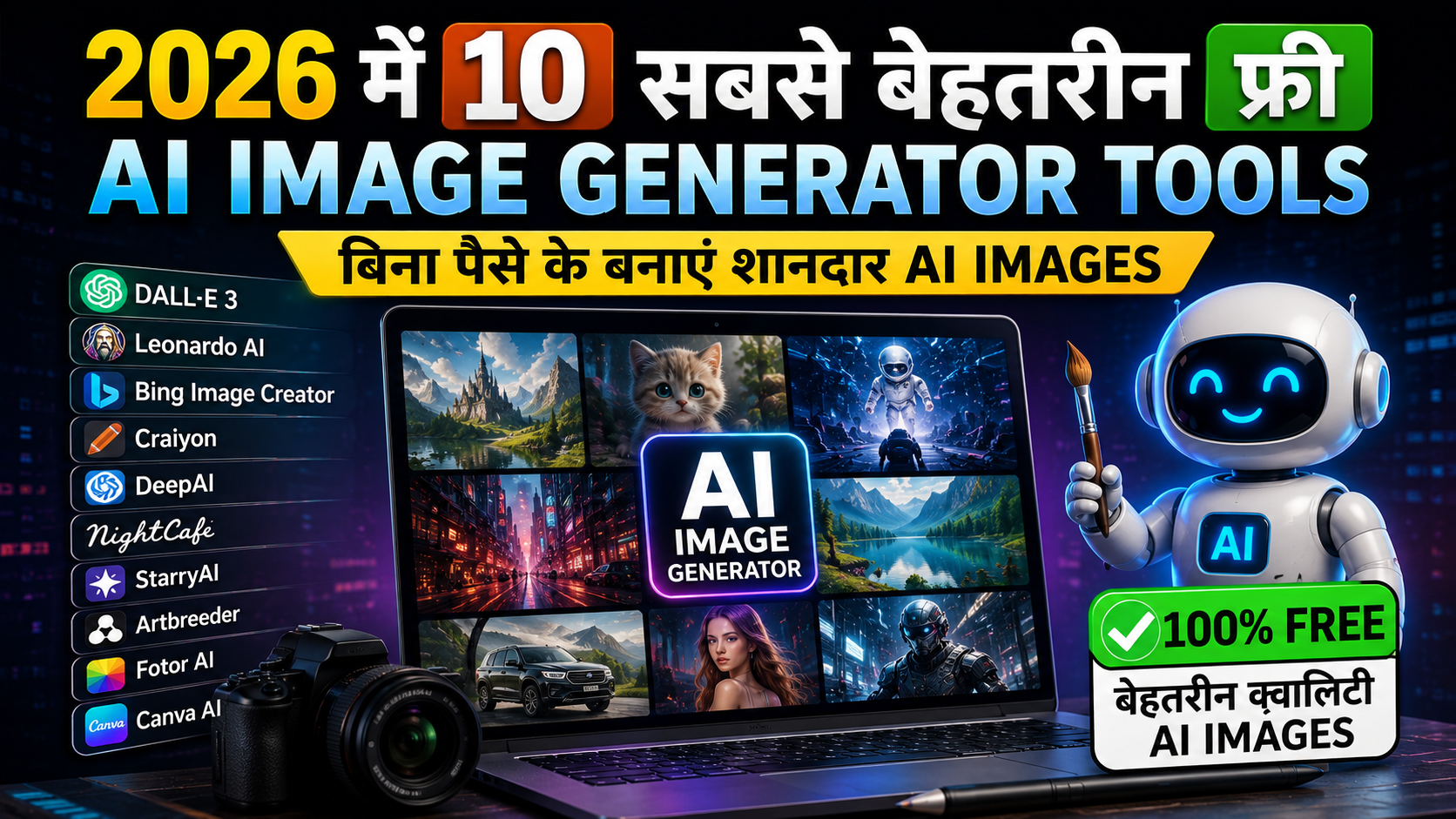
AI image generation अब उस मुकाम पर पहुँच चुका है जहाँ आज मिलने वाले free tools वाकई उन tools को टक्कर दे सकते हैं जिनके लिए आपको सिर्फ एक या दो साल पहले पैसे देने पड़ते थे। चाहे आपको marketing visuals की जरूरत हो, blog thumbnails की, concept art की, या फिर आप सिर्फ experiment करना चाहते हों, 2026 में लगभग हर use case के लिए अब एक solid free विकल्प मौजूद है।
लेकिन समस्या यह है कि इस field में चीजें तेजी से बदलती रहती हैं। Free limits, models और features लगातार update होते हैं। इसलिए नीचे दिए गए numbers को एक fixed promise के बजाय एक general guide के रूप में लें। यहाँ 2026 में आजमाने लायक 10 सबसे अच्छे free AI image generators दिए गए हैं।
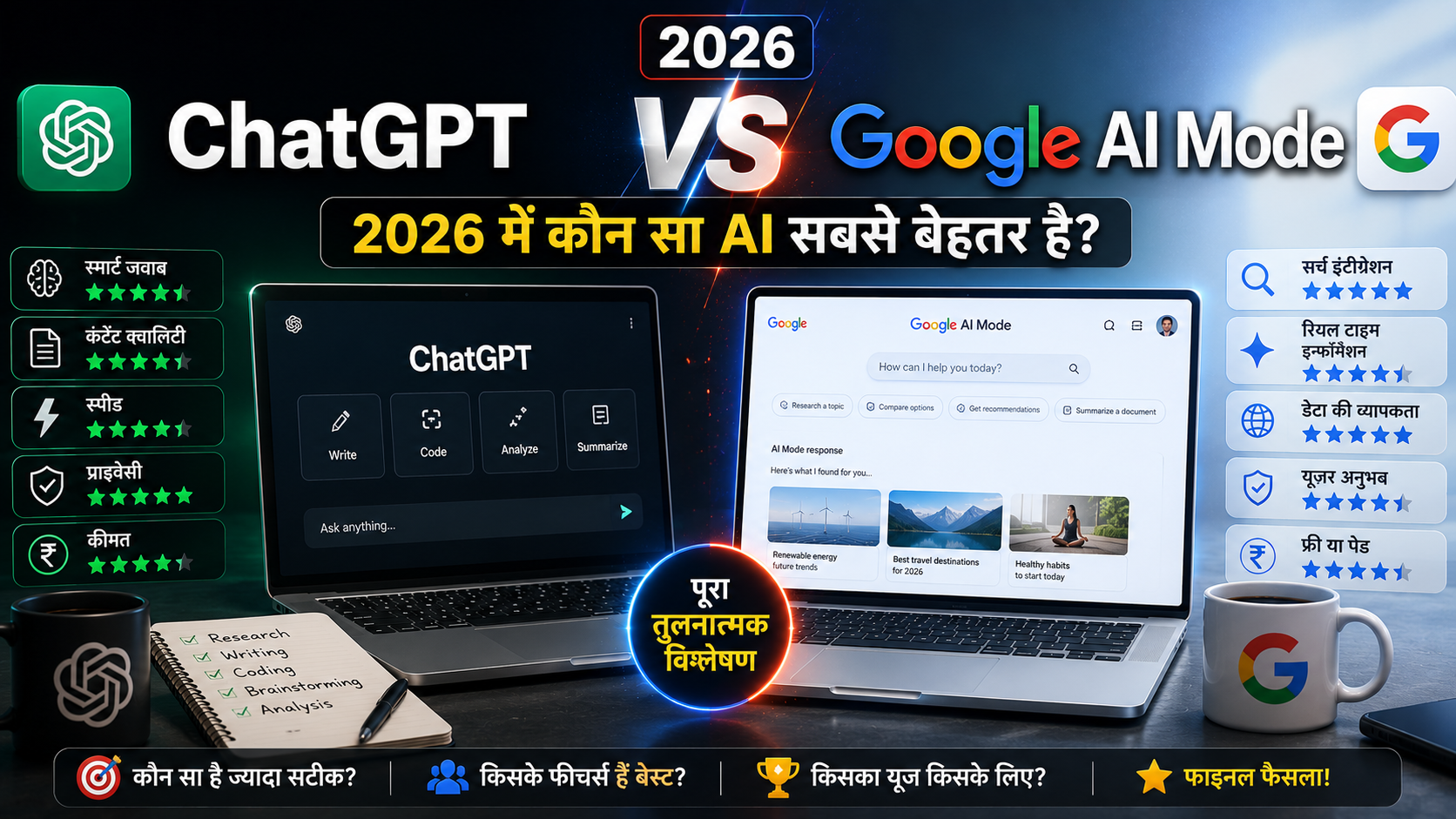
Related Read – सही AI चुनो! ChatGPT vs Google AI Mode: 2026 में कौन सा AI सबसे बेहतर है? देखो।
1. Google Gemini with Nano Banana 2
Google का Nano Banana 2 model, जिसे आधिकारिक तौर पर Gemini 3.1 Flash Image के रूप में जाना जाता है, सीधे Gemini app में built-in है। यह currently उपलब्ध सबसे generous free options में से एक है।
क्यों यह बेहतरीन है:
- Free users को daily allowance मिलता है
- कोई confusing credit system नहीं
- Google के search index से world knowledge खींचता है
- Specific landmarks और objects को accurate render करता है
- Images के अंदर text rendering अच्छी है
मतलब: अगर तुम किसी specific place या well-known object की image चाहते हो, तो यह बाकी models से ज्यादा accurate होगी। और text rendering भी अच्छी है – यह AI image generators का एक कमजोर पक्ष रहा है, लेकिन Nano Banana 2 इसे अच्छी तरह handle करता है।
Best for – Beginners जो बिना कुछ install किए, सीधे browser या Gemini mobile app से strong results चाहते हैं।
2. Microsoft Copilot / Bing Image Creator
DALL-E 3 द्वारा संचालित, Bing Image Creator सबसे accessible free tools में से एक है। तुम्हें बस एक Microsoft account चाहिए, और install करने के लिए कुछ भी नहीं।
क्यों यह अच्छा है:
- Zero friction – सीधे browser में काम करता है
- Microsoft account से direct access
- Fast generations की daily limit
- Limit पूरी होने के बाद भी unlimited slower generations मिलती हैं
- General-purpose quality solid है
मतलब: यह product mockups, social media graphics, simple illustrations के लिए perfect है। Highly artistic या photorealistic work के लिए यह सबसे strong option नहीं है, लेकिन everyday use के लिए बहुत अच्छा है।
Best for – Users जो zero friction चाहते हैं और पहले से ही daily basis पर Microsoft account या Edge browser का उपयोग कर रहे हैं।
3. Ideogram
Ideogram ने एक unique चीज़ पर focus किया है – generated images के अंदर readable, accurate text को render करना। यह एक बहुत बड़ी समस्या है AI image generators के लिए, और Ideogram इसे solve करता है।
क्यों यह special है:
- Text rendering exceptional है
- Poster, banner, graphic के लिए perfect
- Actual words clean और legible दिखते हैं
- General image quality भी solid है
- Free tier casual to moderate use के लिए काफी है
मतलब: अगर तुम्हें quote graphics, memes, promotional banners बनाने हैं जिनमें text हो, तो Ideogram यहाँ king है। दूसरे models text को garbled बनाते हैं, लेकिन Ideogram इसे perfectly handle करता है।
Best for – Creators जिन्हें नियमित रूप से images में text बake करने की जरूरत होती है।
4. Leonardo AI
Leonardo AI free users को daily credits की एक निश्चित संख्या देता है। Visual quality के मामले में कई reviewers इसे Midjourney के सबसे करीबी free alternatives में से एक मानते हैं।
क्यों यह अच्छा है:
- Character design के लिए शानदार
- Fantasy art generation में expert
- Detailed scene generation अच्छी है
- Specific styles के लिए fine-tuned models
- Anime, photorealism, concept art, game assets के लिए specialized models
मतलब: एक generic model के बजाय, तुम अपने specific style के लिए specialized model चुन सकते हो। यह सब कुछ करने की कोशिश करने वाले एक model से बेहतर results देता है।
Best for – Hobbyist artists, game asset creators, और कोई भी जो stylistic control चाहता है।
5. Adobe Firefly
Adobe Firefly एक अलग approach लेता है – इसे विशेष रूप से licensed और public domain content पर train किया गया है। यह commercially safe बनाता है।
क्यों यह important है:
- Commercially safe – केवल licensed content
- Copyright origin clear है
- Commercial use के लिए सबसे secure विकल्पों में से एक
- Image quality strong और consistent है
- Direct Adobe tools integration
मतलब: अगर तुम generated images को commercially use करने वाले हो, तो Firefly सबसे secure है। अन्य tools के साथ copyright ambiguity हो सकती है, लेकिन यहाँ नहीं।
Best for – Businesses, marketers, freelancers जिन्हें commercially safe images चाहिए।
6. Stable Diffusion (Self Hosted)
Stable Diffusion WebUI जैसे tools के माध्यम से आपके अपने computer पर locally run होना तुम्हें unlimited free generations देता है।
क्यों यह powerful है:
- आपके computer पर run होता है
- Bिना किसी daily caps के
- Credit systems नहीं
- हर parameter पर complete control
- Models को customize कर सकते हो
मतलब: Trade-off यह है कि setup complex है – एक decent GPU चाहिए और कुछ technical knowledge भी। लेकिन एक बार setup हो जाने के बाद, तुम unlimited generate कर सकते हो।
Best for – Technically inclined users जिनके पास decent GPU है और unlimited generation चाहते हैं।
7. FLUX (Open Weights Models)
FLUX models photorealistic output और excellent prompt adherence के लिए जाने जाते हैं।
क्यों यह special है:
- Photorealistic output बेहतरीन है
- Excellent prompt adherence
- Generated image वास्तव में आपके description से match करता है
- Open weights versions self-hosted किए जा सकते हैं
- Free hosted inference platforms से भी access
मतलब: FLUX चुनो जब तुम्हें precise, consistent results चाहिए। Midjourney जैसे artistic models की तुलना में यह अधिक accurate है।
Best for – Users जो artistic interpretation की तुलना में अपने exact prompt से accuracy को प्राथमिकता देते हैं।
8. Canva AI Image Generator
यदि तुम पहले से Canva का उपयोग करते हो, तो built-in AI image generator सीधे free plan में available है।
क्यों यह convenient है:
- सीधे free plan में उपलब्ध
- Images generate करके सीधे designs में drop कर सकते हो
- अलग tools switch करने की जरूरत नहीं
- Social posts और presentations के लिए perfect
- Design workflow integrated है
मतलब: यह सबसे specialized models जितना quality नहीं दे सकता, लेकिन integration की सुविधा इसे बेहद practical बनाती है।
Best for – Non-designers जो कोई अलग tool सीखे बिना simple integrated workflow चाहते हैं।
9. Recraft
Recraft raster और vector image generation दोनों की पेशकश करता है।
क्यों यह unique है:
- Raster और vector दोनों
- Photorealism, illustration, icon styles
- Built-in canvas editor
- Image-to-image editing
- Icon sets, vector graphics के लिए perfect
मतलब: Design-adjacent work जैसे icon sets, website illustrations, या vector graphics के लिए यह विशेष रूप से उपयोगी है।
Best for – Designers जिन्हें vector output की जरूरत होती है।
10. Perchance AI Image Generator
Perchance सीधे browser में AI images generate करने का एक no signup, no account required तरीका देता है।
क्यों यह अच्छा है:
- Browser में directly काम करता है
- Sign up की जरूरत नहीं
- Account creation नहीं
- सबसे fast trial का तरीका
- Casual experimentation के लिए perfect
मतलब: Output quality भिन्न हो सकती है, लेकिन friction की पूरी कमी इसे casual experimentation के लिए बेहतरीन बनाती है।
Best for – Quick, casual use बिना किसी account के।
Detailed Comparison Table
नीचे सभी 10 tools की detailed comparison देखो:
| Tool | Account Required | Best For | Key Feature |
|---|---|---|---|
| Google Gemini (Nano Banana 2) | Google account | Overall quality + daily limits | World knowledge integration |
| Microsoft Copilot / Bing | Microsoft account | Zero friction use | Browser-based, DALL-E 3 |
| Ideogram | Yes | Text in images | Exceptional text rendering |
| Leonardo AI | Yes | Character art, concept art | Style-specific models |
| Adobe Firefly | Adobe account | Commercial use | Only licensed content |
| Stable Diffusion (Self Hosted) | No (local) | Full control, unlimited | Complete customization |
| FLUX (Open Weights) | Varies | Prompt accuracy | Photorealistic, precise |
| Canva AI Image Generator | Canva account | Integrated workflow | Direct design integration |
| Recraft | Yes | Vector graphics | Raster + vector output |
| Perchance | No | Quick casual use | Zero setup required |
AI images बनाने के लिए आप इन free tools का इस्तेमाल कर सकते हैं। अधिक जानकारी के लिए Adobe Firefly AI Image Generator को भी देखें।
आखिरी सलाह
2026 में हर किसी के लिए कोई एक सबसे अच्छा AI image generator नहीं है। सही विकल्पों पूरी तरह से इस बात पर निर्भर करता है कि तुम्हें वास्तव में किस चीज की जरूरत है।
अपने हिसाब से चुनो:
Strong general quality के साथ generous free tier चाहिए?
- Google Gemini का Nano Banana 2 वर्तमान में एक solid default choice है।
Commercial safety सबसे महत्वपूर्ण है?
- Adobe Firefly copyright के सभी अनुमान को दूर करता है।
Images के अंदर text सटीक रूप से render करना चाहिए?
- Ideogram एक clear standout है।
Character art, fantasy art, stylistic control चाहिए?
- Leonardo AI तुम्हारा सबसे अच्छा option है।
Unlimited generations और full control चाहिए?
- Stable Diffusion self-hosted अपनी best है।
Vector graphics की जरूरत है?
- Recraft विशेष रूप से इसके लिए डिजाइन किया गया है।
Browser में बिना account के सीधे आजमाना चाहते हो?
- Perchance सबसे कम friction option है।
Important बात:
यह space तेजी से evolve करता है। Free tiers, models और features हर कुछ महीनों में बदलते रहते हैं। इसलिए:
- इस list पर कभी-कभी दोबारा नजर डालो
- अपने खुद के prompts के साथ कुछ tools का परीक्षण करो
- अपने specific use case के लिए सही tool चुनो
- Default generator के रूप में एक को चुनने से पहले compare करो
Bottom line: सभी ये tools excellent हैं अपने-अपने तरीके से। तुम्हारा काम सही tool को अपनी जरूरतों के साथ match करना है। Happy creating!